Multipart Requests
REST service operations can be configured to send multipart/form-data requests.
This is commonly used when an API expects file uploads, potentially combined with
additional text or JSON metadata in a single request.
Enabling Multipart
To enable multipart for a REST service operation, toggle the Multipart form data checkbox on the REST Configuration tab of the operation. The checkbox is only visible for HTTP methods that support a body (POST, PUT, PATCH, DELETE).
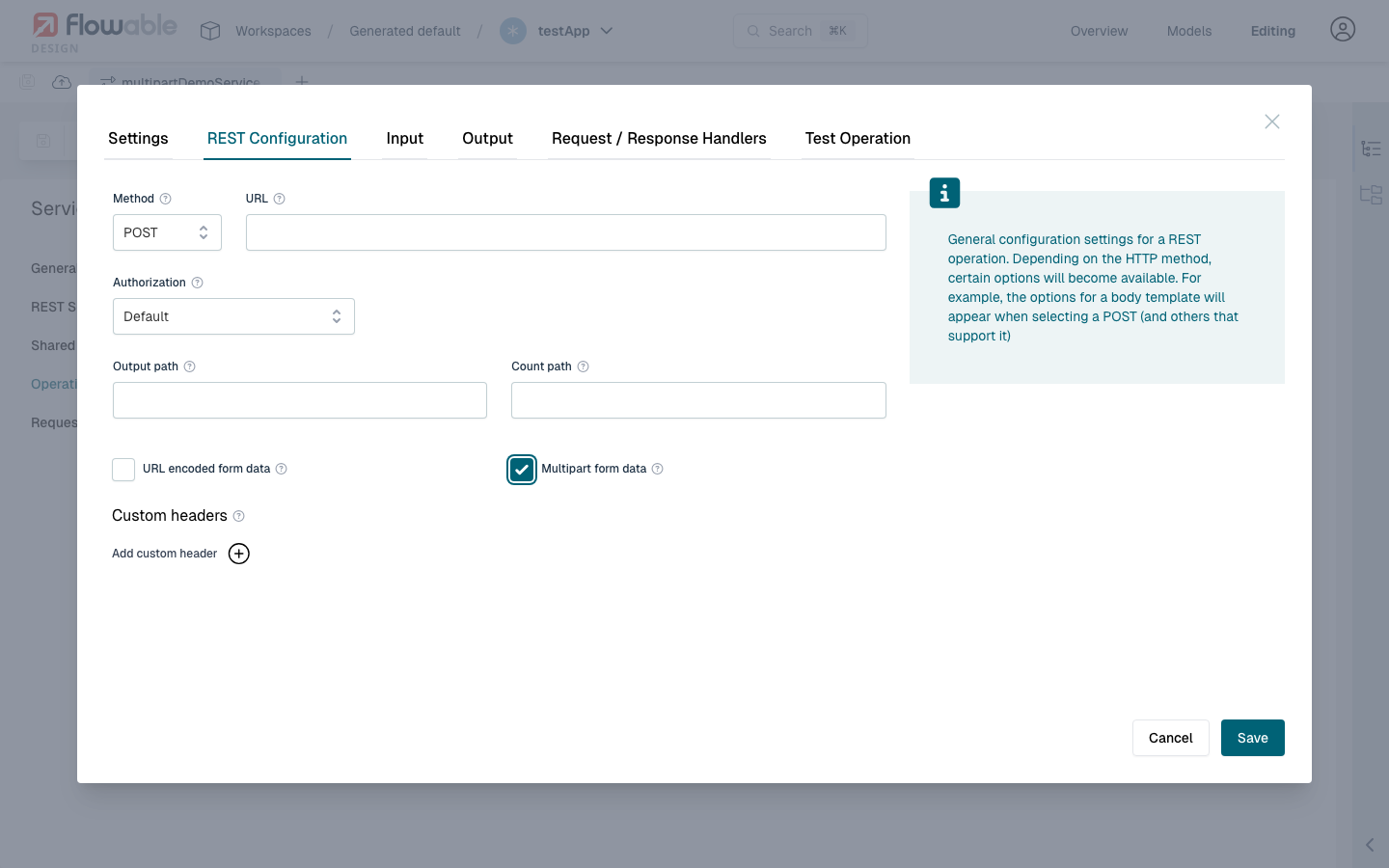
When multipart is enabled:
- The request body is sent as
multipart/form-datainstead ofapplication/json. - The Content Item type becomes available for input parameters (for file uploads).
- The Body Location and Excluded from Body fields are hidden, as they are not applicable.
Input Parameter Types in Multipart
Each input parameter of a multipart operation becomes a separate part in the request. The following parameter types are supported:
| Parameter Type | Sent As | Default Content-Type |
|---|---|---|
| Content Item | Binary part (file) | Taken from the content item's MIME type (e.g. image/png) |
| String | Text part | text/plain |
| Json | Text part (serialized JSON) | application/json |
| Array | Text part (serialized JSON array) | application/json |
| Integer, Long, Double, Boolean | Text part (stringified value) | text/plain |
| Date | Text part (ISO 8601 formatted) | text/plain |
Overriding the Content-Type with Mime Type Override
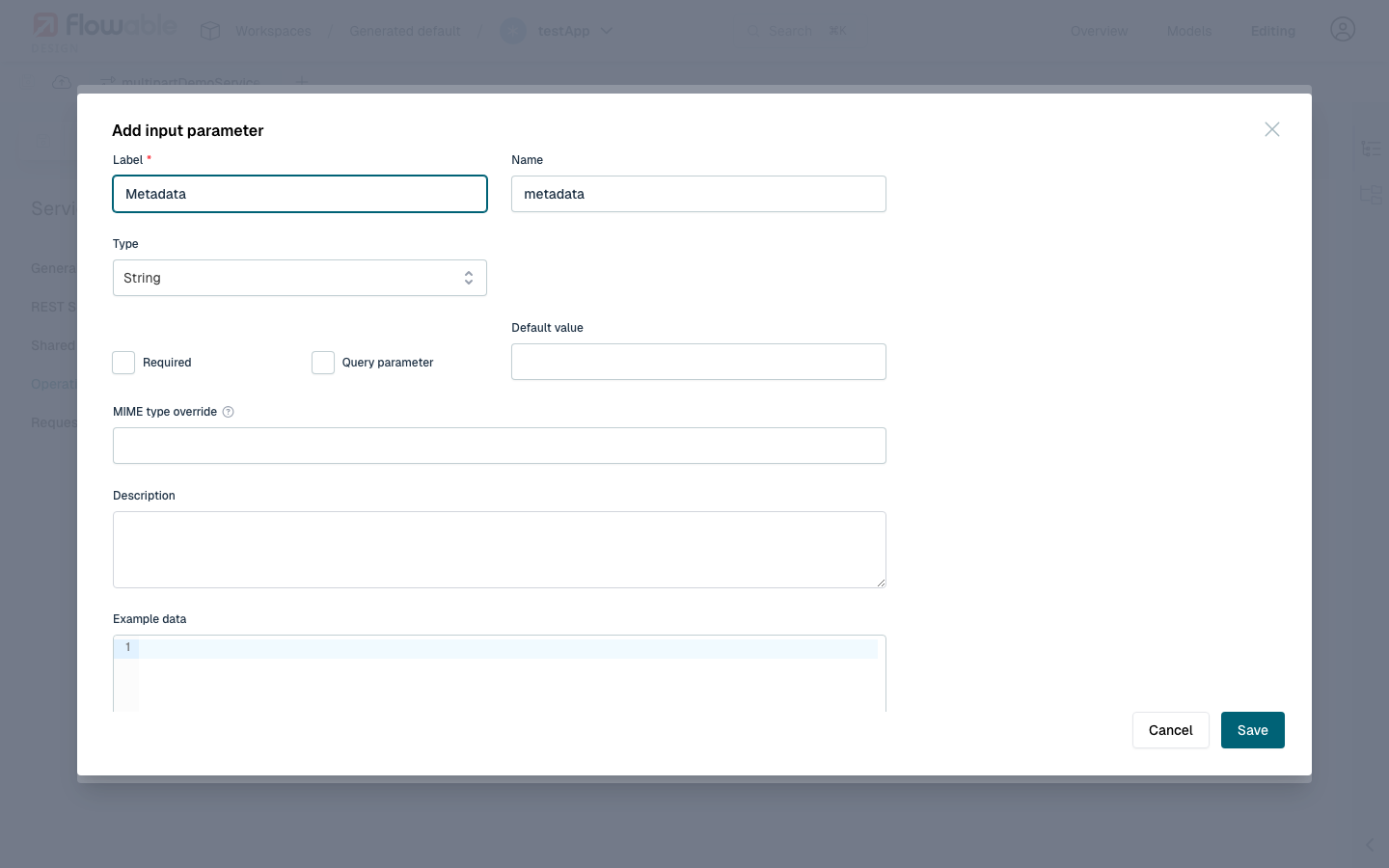
For Content Item, String, Json and Array parameters, the MIME type override field
is available in the input parameter configuration. This allows overriding the default Content-Type
of the multipart part.
For example, with String as the parameter type, the MIME type override field is shown:
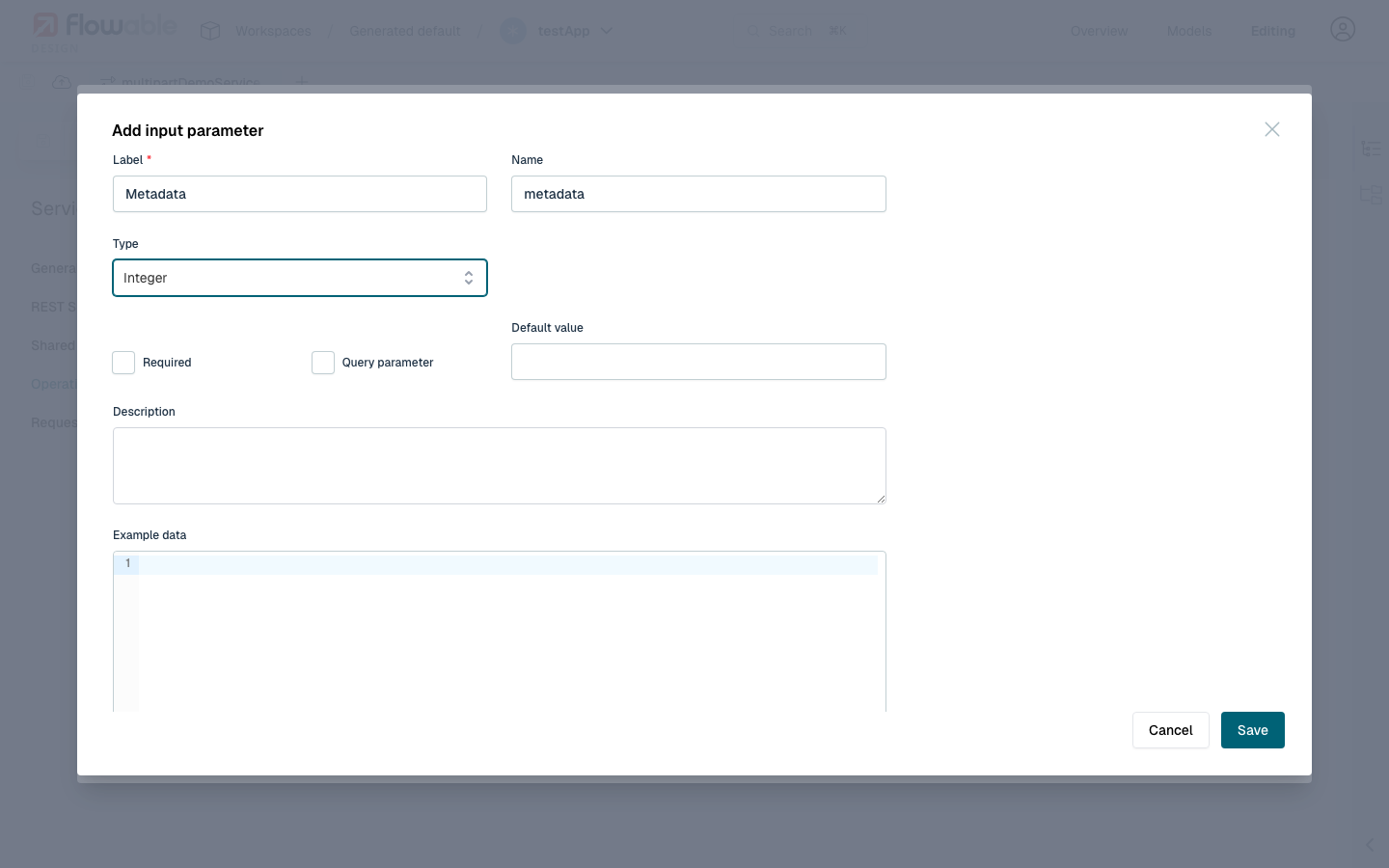
For primitive types like Integer, Long, Boolean or Date, the field is hidden
because the Content-Type has no meaningful override — the value is always serialized as plain text:
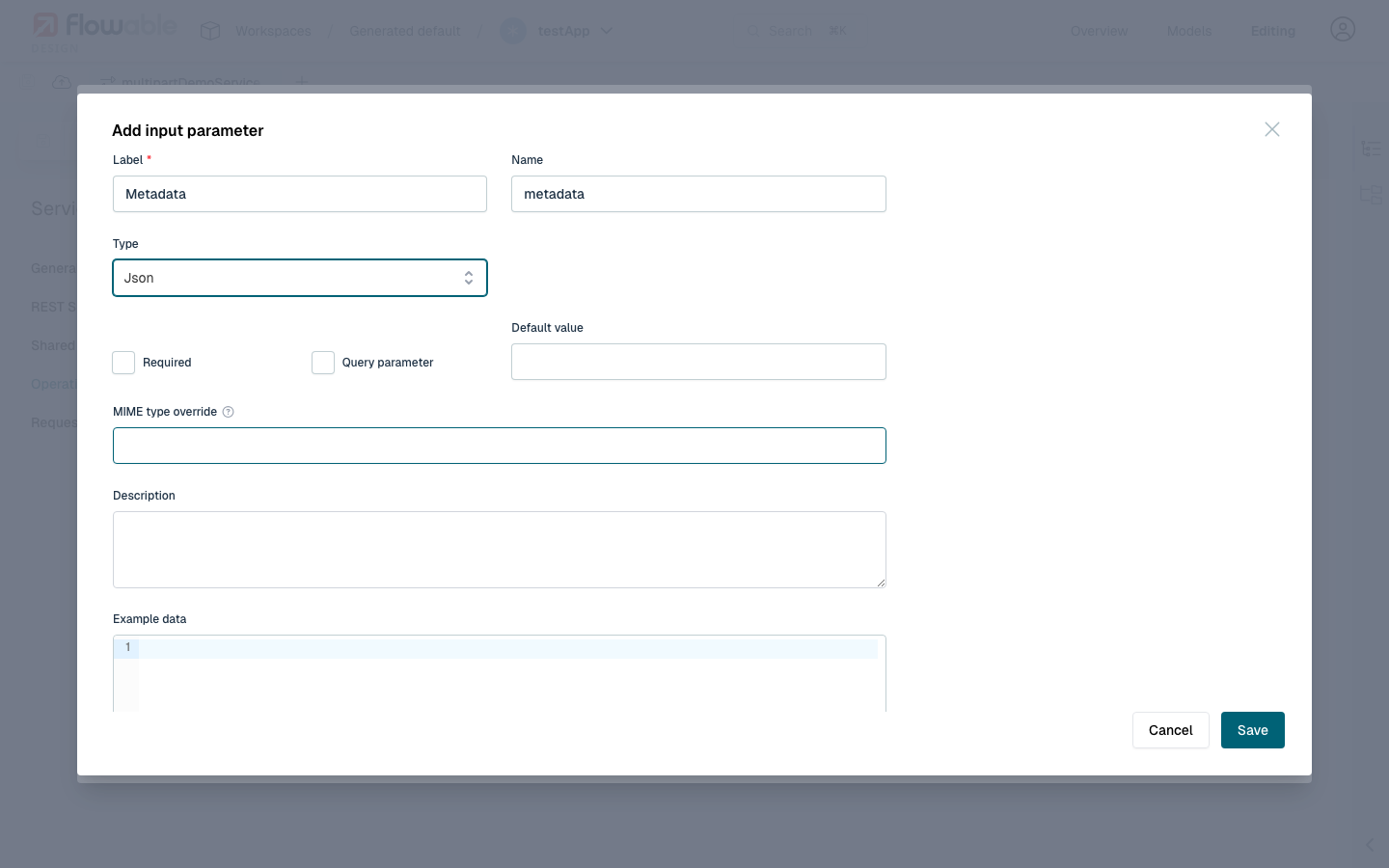
For Json and Array parameters the field is available as well, even though they
already default to application/json:
A common use case for String parameters is sending raw JSON text with
Content-Type: application/json. Some APIs require each multipart part to carry the
correct Content-Type, and the default text/plain for String parts may not be accepted.
For parameters typed as Json or Array, this is handled automatically — no override
is needed.
For example, when a REST API expects a multipart request with a file upload and a JSON metadata payload:
| Parameter | Type | Mime Type Override |
|---|---|---|
file | Content Item | (uses the file's MIME type) |
metadata | String | application/json |
The resulting HTTP request would look like:
POST /api/upload HTTP/1.1
Content-Type: multipart/form-data; boundary=----boundary

------boundary
Content-Disposition: form-data; name="file"; filename="report.pdf"
Content-Type: application/pdf

<binary file data>
------boundary
Content-Disposition: form-data; name="metadata"
Content-Type: application/json

{"description": "Monthly report", "category": "finance"}
------boundary--
Without the Mime Type Override, the metadata part would be sent with Content-Type: text/plain.
Mixing File and Text Parameters
A multipart operation can have any number of input parameters. This allows combining file uploads with text or JSON form fields in a single request. For example:
| Parameter | Type | Description |
|---|---|---|
document | Content Item | The file to upload |
title | String | A plain text title |
tags | Array | A JSON array of tags |
config | Json | A JSON configuration object |
All parameters are sent as separate parts in the multipart request.
 note
noteA single Content Item parameter can resolve to multiple files if the variable
contains a list of content items. In that case, each file is sent as a separate
part with the same field name.
Content Item Mime Type Override
For Content Item parameters, the Mime Type Override field works slightly differently:
it replaces the MIME type that would normally be read from the content item itself.
This is useful when the stored MIME type is incorrect or when the receiving API expects
a specific Content-Type regardless of the actual file type.